How Long Does It Take Google to Index a New Page? Days to Weeks
Google says it can take anywhere from a few days to a few weeks to crawl a new page, and that indexing is never guaranteed. How long it takes Google to index a new page depends on whether Google can find it. A sitemap entry, a link from an indexed page and a Search Console request each shorten the wait.
This post is built on Google's own documentation: the recrawl page, the URL Inspection help, the sitemaps pages, the Page indexing report help, the SEO starter guide and the 2023 post that retired the sitemap ping. We also say what we do on publish and where we draw the line between waiting and worrying.
What does Google say about how long indexing takes?
Google gives ranges, not a number, and as of October 2026 the ranges have not changed. Its recrawl documentation says "crawling can take anywhere from a few days to a few weeks". Its URL Inspection help says indexing after a request "can take up to a week or two". Its SEO starter guide says some changes "might take effect in a few hours, others could take several months".
Google's index is the list of pages it can show, and a page joins it only after three stages. The "How Search works" documentation describes crawling, indexing and serving, and says "not all pages make it through each stage". Crawling is Googlebot downloading the page. Indexing is Google analyzing it and deciding whether to keep it. The time you measure is the sum of waiting to be found, waiting to be crawled and waiting to be processed.
The table collects Google's own timing statements, with links, so you can check each one. The spread is the honest answer. The same URL Inspection help page says, in a caveat below its "week or two", that indexing "typically takes only a day or so, but can take much longer in some cases".
| Google's statement | Where | Covers |
|---|---|---|
| "Crawling can take anywhere from a few days to a few weeks." | Ask Google to recrawl your URLs | A URL you asked Google to crawl |
| "Indexing can take up to a week or two" | URL Inspection help, Request indexing | A URL submitted for indexing |
| "Indexing typically takes only a day or so, but can take much longer in some cases." | URL Inspection help, caveats | The same request |
| "Some changes might take effect in a few hours, others could take several months." | SEO starter guide | Site changes showing in results |
| "Crawling can take anywhere from several days to several months" | AI features and your website | Recrawl after a preview control changes |
Why is indexing not guaranteed?
Indexing is not guaranteed because Google decides, page by page, whether a crawled page is worth keeping. Its documentation says "Google doesn't guarantee that it will crawl, index, or serve your page", and adds that "not every page that Google processes will be indexed".
The usual reasons are visible once you know them. Google groups pages it considers similar and selects "the one that's most representative of the group" as the canonical. A page that duplicates another, on your site or elsewhere, is often left out in favor of the one it copies. A thin page can be crawled and set aside. And a page can be unreachable without anyone noticing: a noindex tag left over from staging, or a robots.txt rule that blocks the path.
Robots.txt is misread in both directions. Google's introduction says the file "is used primarily to manage crawler traffic to your site" and "is not a mechanism for keeping a web page out of Google". A Disallow line does not reliably remove a page; noindex does. In the other direction, RFC 9309, the robots.txt standard the IETF published in 2022, says a crawler that gets a server error fetching robots.txt "MUST assume complete disallow". A site whose robots.txt returns a 5xx error is uncrawlable until the file loads again.
Requests do not override any of this. Google says plainly that "requesting a crawl does not guarantee that inclusion in search results will happen instantly or even at all".
How do you get Google to index a new page faster?
Four actions shorten the wait. List the page in an XML sitemap with an accurate lastmod, link to it from an indexed page, and request indexing in Search Console with the URL Inspection tool. For Bing and the engines that share its index, submit it to IndexNow. None of them forces Google's hand; each removes a reason to wait.
| Action | In Google's words | Google's caveat |
|---|---|---|
| Submit a sitemap to Google | Tells Google which URLs exist and "when the page was last updated" | It "doesn't guarantee that all the items in your sitemap will be crawled and indexed" |
| Link from an indexed page | Google "primarily finds pages through links from other pages it already crawled" | The link counts once the linking page is recrawled |
| Request indexing | The page "will be submitted to the indexing queue" after a quick check | No guarantee; a daily limit; repeats "won't get it crawled any faster" |
| IndexNow | Instantly alerts Bing, Yandex and their partners | Google does not take part |
| Sitemap ping | Deprecated in June 2023 | "Using the endpoint will also not do anything useful" |
The order we use on every publish:
- Sitemap first. Google says you may need one when "your site is new and has few external links to it", which describes most new blogs. A site of about 500 pages or fewer that is well linked may not. Keep each file under 50MB or 50,000 URLs. Set
lastmodhonestly: Google uses it "if it's consistently and verifiably accurate" and ignorespriorityandchangefreq. - One internal link from a page that gets crawled often. The home page or a related post. Our post on whether internal links help a page rank covers where to put it.
- Request indexing once. Open the URL in the URL Inspection tool, run the live test, and click Request indexing. Google says you cannot request indexing for a page the live test finds non-indexable, so the test doubles as a check for stray noindex tags.
- IndexNow for Bing. Google ignores it; Bing, Yandex, DuckDuckGo and Copilot do not. Our post on what IndexNow is and whether Google uses it has the key file and the endpoint.
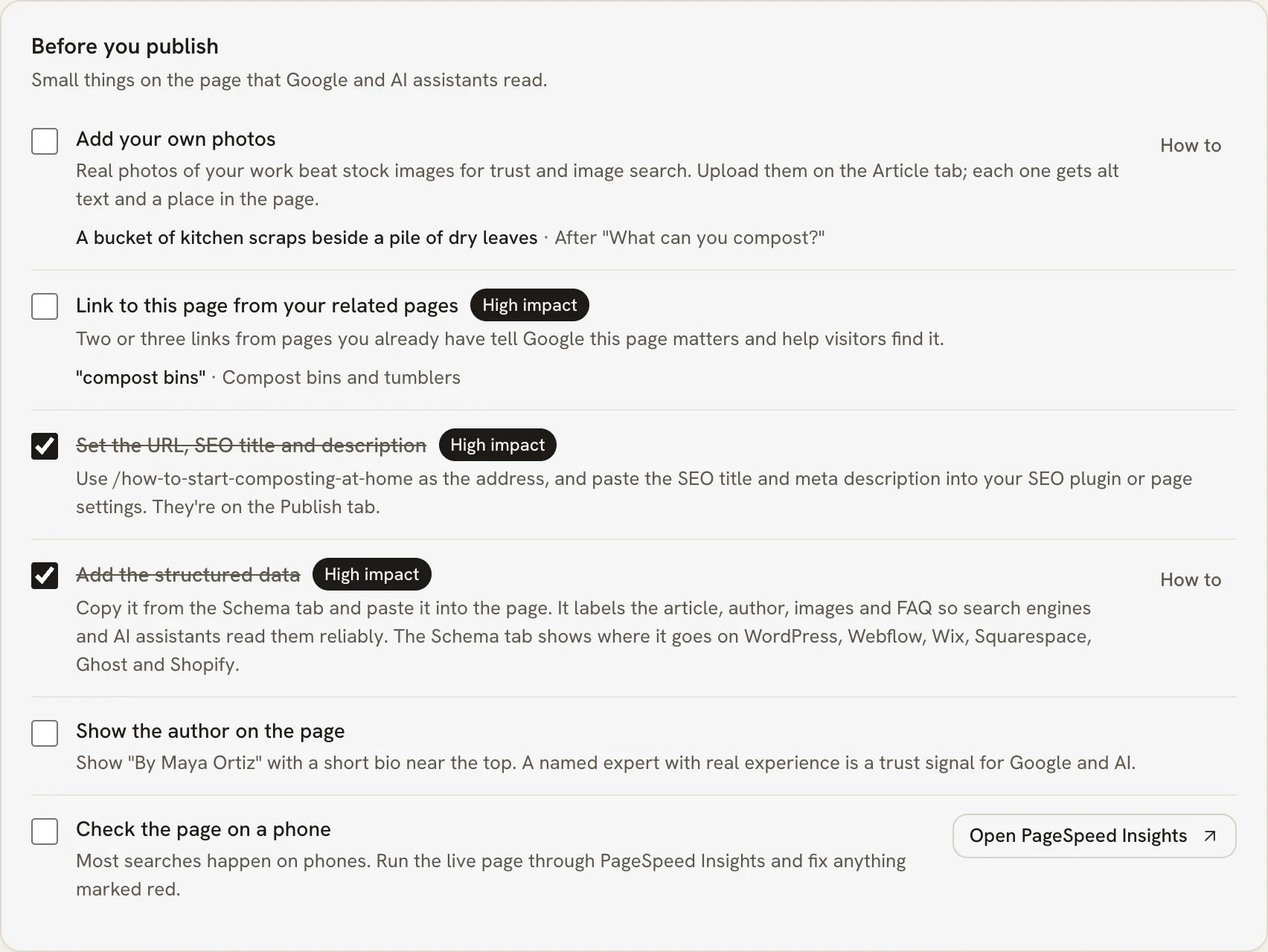
PARCHMNT is a writing tool that researches what ranks for a search, writes the page, checks every claim and tracks where it lands in Google and AI answers. On WordPress and Ghost it submits the address to IndexNow on publish, and its ranking plan lists the sitemap, link and Search Console steps left to do. Once Search Console is connected, the page's position shows on its Performance tab, updated daily, as soon as Google starts showing it.
How do you check whether a page is indexed?
Paste the URL into the URL Inspection tool in Google Search Console. Google says the tool "provides information about Google's indexed version of a specific page". The verdict tells you whether the page is on Google and, if not, which stage it is stuck at. A site: search is the rough check; the tool is the precise one.
For the rough check, Google's starter guide says that if you "see results pointing to your site, you're in the index". For many pages at once, the Page indexing report in Search Console lists every URL Google knows with its status.
Record two dates for each new page: the day you published it and the day the tool first reported it indexed. The gap between them is the only honest measure of Google indexing time for your site. It is worth more than any published average, because the averages come from other people's sites. We keep both dates for every article we publish, and we recommend you do the same before trusting anyone's number, including ours.
What do "Discovered" and "Crawled, currently not indexed" mean?
Both statuses come from the Page indexing report in Search Console, and they describe different stages. "Discovered, currently not indexed" means "the page was found by Google, but not crawled yet". "Crawled, currently not indexed" means Google fetched the page and chose not to index it, for now.
Google's wording on the second status settles a common mistake. The page "may or may not be indexed in the future; no need to resubmit this URL for crawling". Resubmitting is not the fix; the page is. A crawled but unindexed page is usually a duplicate, a near-copy of another page on your own site, or too thin to keep. Compare it with the page Google kept and merge or improve.
The other statuses worth knowing, in Google's words:
- Discovered, currently not indexed. Google knows the URL but has not scheduled the crawl. On a new website, indexing often starts here; add links and wait.
- Duplicate without user-selected canonical. Google calls this "not an error, but is working as intended". If it picked the wrong URL, set a canonical tag on the page you prefer.
- Soft 404. The server returned a normal page, but it looks like an error page to Google. Return a real 404 for pages that are gone, or add content to pages that exist. RFC 9110 defines a 404 as the server saying it "did not find a current representation for the target resource".
When should you worry about a page that is not indexed?
Worry at four weeks, not four days. Google's own ranges run from hours to weeks for a new page, so nothing is wrong at day ten. At four weeks, if URL Inspection still shows the page as not indexed, the cause is usually named in the status it shows. That is the time to act rather than wait.
Our threshold, with dates, for a page published on day one:
- Day 1. Sitemap updated with lastmod, one internal link, one Request indexing, IndexNow for Bing. Check robots.txt and the live test for a stray noindex first, because a blocked page never indexes however long you wait.
- Day 14. Check URL Inspection. "Discovered" on a new site is normal. Add a second link from a page Google crawls often.
- Day 28. Still "Discovered" means Google has little reason to visit. The sitemap page's own phrase, "new and has few external links", usually applies, so earn one link from another site. "Crawled, currently not indexed" means the page itself is the question: compare it with what Google kept.
- Day 56. Still out, with links and a clean live test, means the page should be rewritten or merged, not resubmitted.
That is our working rule, not a Google figure. Indexing is also a different problem from ranking. A page that is indexed but invisible needs the diagnosis in our post on why a blog post is not ranking, not another indexing request.
Key takeaways
- Google says crawling "can take anywhere from a few days to a few weeks" and that indexing is not guaranteed.
- The URL Inspection help gives both "a day or so" and "up to a week or two" for a requested URL; the spread is Google's own.
- A sitemap with an accurate lastmod, an internal link and one indexing request remove the reasons to wait; repeated requests do not help.
- "Discovered" means not yet crawled; "Crawled, currently not indexed" means the page, not the request, is the issue.
- Check robots.txt and noindex on day one, act at four weeks, and record your own publish-to-index gap.
Frequently asked questions
Does requesting indexing twice speed it up?
No, it does not. Google says requesting a recrawl multiple times for the same URL "won't get it crawled any faster", and there is a daily limit on requests for each property. One request per new page is the right number. After that, the levers are links from pages Google already crawls and the quality of the page itself.
Do you need a sitemap for a small site?
Often not, by Google's account: a site of about 500 pages or fewer that is well linked internally may not need one. The exception Google names is the case most new blogs are in: "your site is new and has few external links to it". A sitemap costs nothing to generate, so a new site should have one anyway.
Does Google use the lastmod date in a sitemap?
Yes, when it trusts it. Google's sitemap documentation says it uses lastmod "if it's consistently and verifiably accurate". Its 2023 post warns that a page whose lastmod claims change while the page stays the same will eventually be disbelieved. Google ignores priority and changefreq entirely. Set lastmod to the date the words last changed.
Is a new page indexed faster on an established site?
Google publishes no figure, so any claim is a guess. Its documentation does say Google "primarily finds pages through links from other pages it already crawled". So a site Google already visits often has more routes to a new page than a site it rarely visits. That is reasoning from the documentation, not a statistic.
How long does it take Google to index a new page? The honest range
Hours at best, a few weeks at worst, and never guaranteed, by Google's own account. Give the page a sitemap entry, a link, one request and an IndexNow notice on day one, check the status at two weeks and act at four. If you would rather have the steps done on publish and the position tracked once Google shows the page, try one article free.
Sources
- crawling can take anywhere from a few days to a few weeks
- crawling, indexing and serving
- URL Inspection help
- SEO starter guide
- AI features and your website
- is used primarily to manage crawler traffic to your site
- RFC 9309, the robots.txt standard the IETF published in 2022
- doesn't guarantee that all the items in your sitemap will be crawled and indexed
- Using the endpoint will also not do anything useful
- 50MB or 50,000 URLs
- the page was found by Google, but not crawled yet
- RFC 9110
This post was written and checked with the same rules PARCHMNT applies to every page it writes for a customer: researched against what ranks today, answer first, every figure with a source.
Try 1 article free